

Skip to content
Preview · not yet released
DE

Menu

Deutsch

Demo · prices are examples

UPC, EAN & GTIN finder

Find any product’s barcode, EAN or UPC.

Open a product page – the UPC, EAN or GTIN of your variant is in the panel. One click copies it, one click searches Amazon with it, and the eBay price sits right next to it.

UPC, EAN, GTIN – in short

On the right runs the extension, just as you install it. Click around.

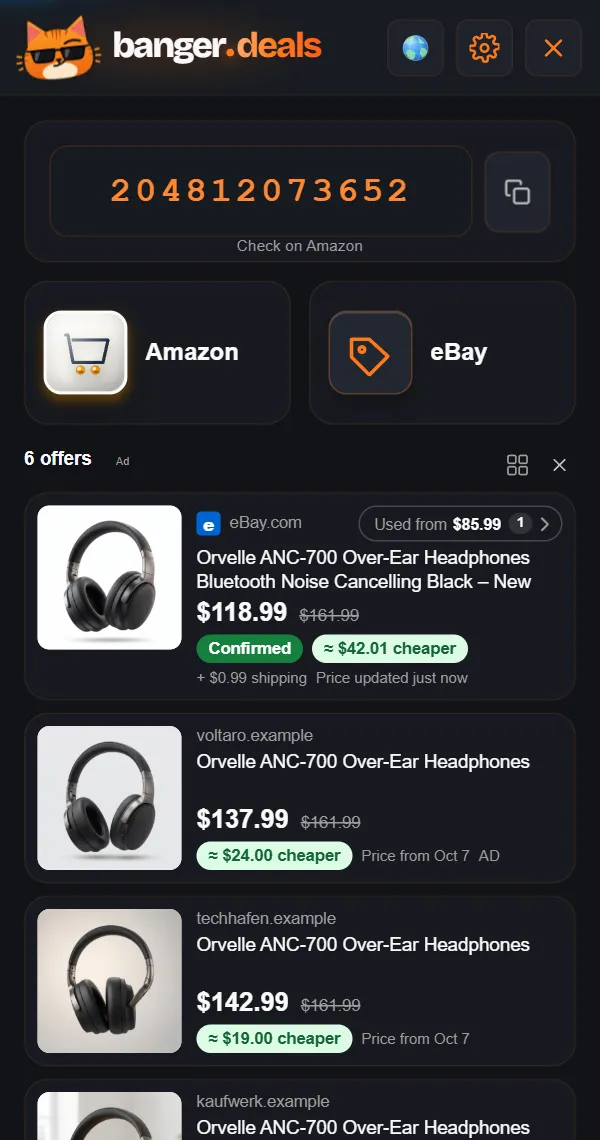
The BANGER.deals panel on a shop page: the EAN/UPC, the Amazon button and an eBay offer with savings

The real panel with example products: pick a product, the panel compares.

Case 1: the shop shows the number

Colour, size, storage: the number of your variant.

Pick another colour or size in the shop and the number in the panel changes with it. You get the UPC, EAN or GTIN the shop lists for the variant you picked – not the one of the item next to it, and not the base version’s. If the shop itself lists a wrong number, the panel takes it over; before an important purchase, check the box or data sheet.

Cases 2 and 3: hidden or uncertain

No number in the text? Often there is one.

Many shops don’t show the number but keep it in the page’s product data – the panel finds it anyway. If there is no certain one but a very probable one, it shows as “Likely EAN”, clearly marked. One click copies the number.

Keep researching

Click the number: Amazon searches with it.

One click on the number starts an Amazon search with exactly that code. Whether Amazon carries the item and matches it correctly, you see in the results – a search is not yet a confirmed match. For resellers: the whole route in sourcing.

eBay right next to it

The same number, the eBay price beside it.

Next to the number: the same product on eBay – new, Buy It Now, the cheapest matching offer first, shipping included where eBay states it. More on the eBay price comparison.

Match confidence

The same product? The label tells you.

Every eBay hit carries a label. A saving is only shown for hits marked “Confirmed” or “Very likely”. How certain the number itself is shows separately, at the number.

  • Confirmed*Same product, same version.
  • Very likelyAlmost certainly the same – savings shown.
  • LikelyProbably the same – take a quick look, no savings shown.
  • Different modelNot your item, but close – and labeled that way.
  • AdNot a match label: an offer from a partner shop, marked as an ad.

* “Confirmed” is our assessment: the same product in the same version. Prices and stock change all the time – what counts is the price at the seller’s checkout.

Example

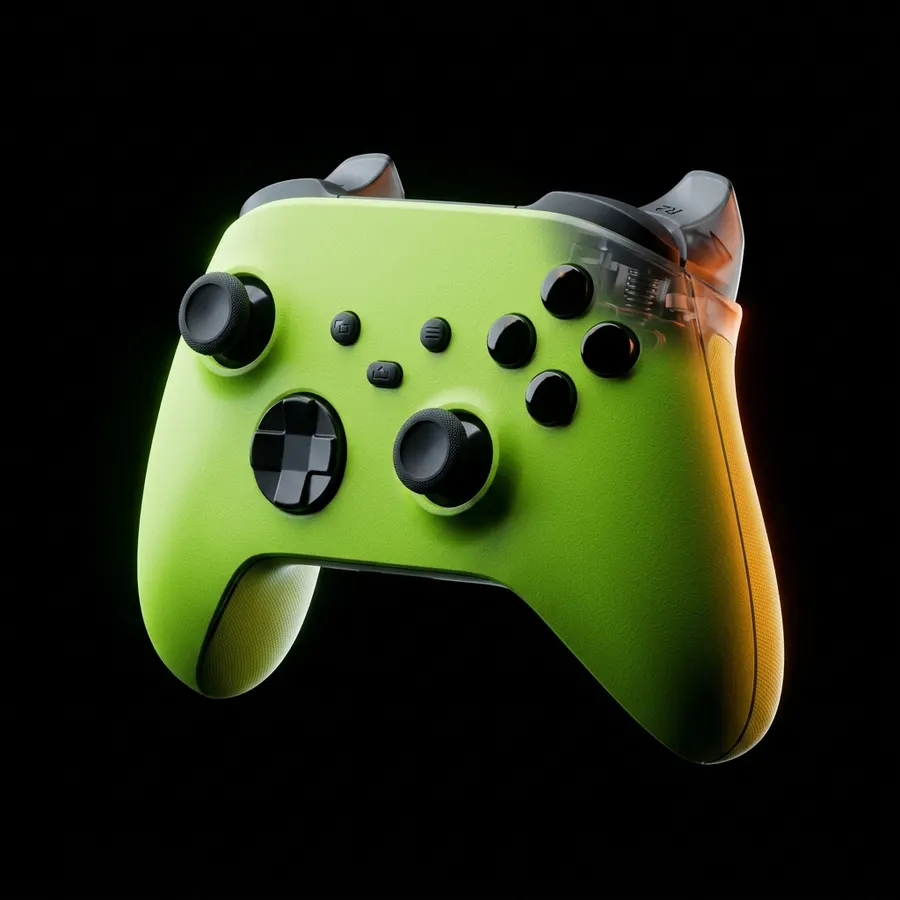
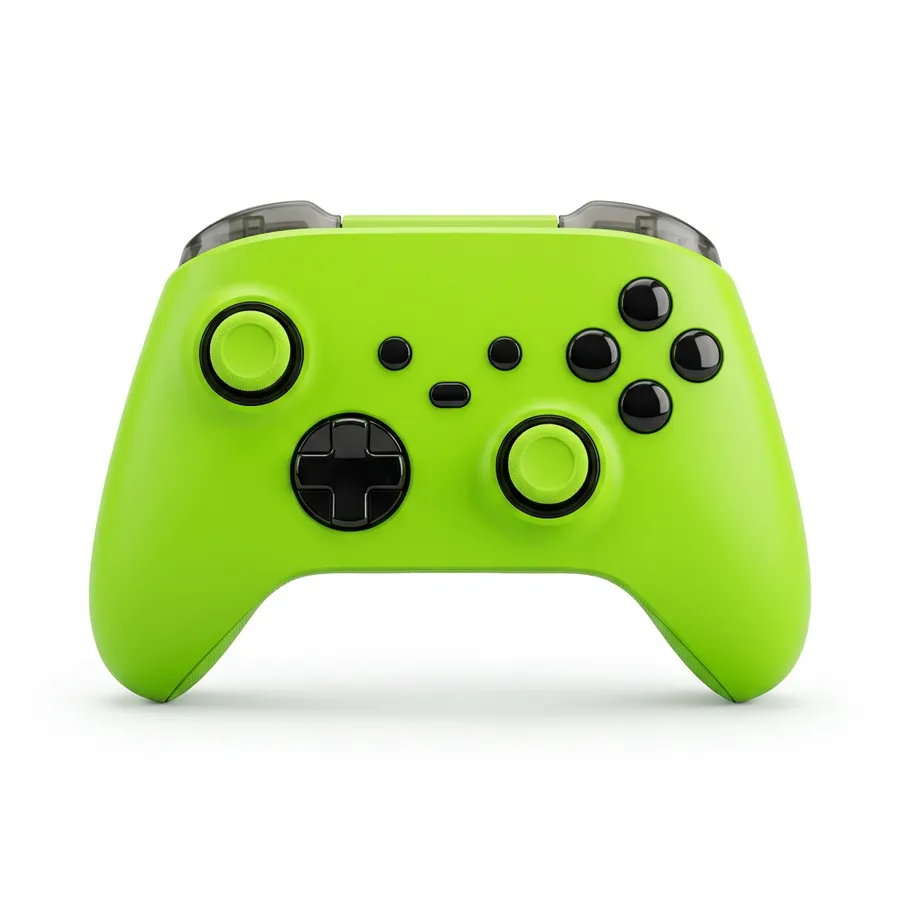
The controller from the demo

Shop pageVyrn Pulse controller, colour “Toxic Green” picked
PanelThe code the shop lists for “Toxic Green” – copied in one click
Another colour pickedThe number changes with it if the shop lists one per colour
AmazonSearch with this number – the results show whether a hit fits
eBayThe same product new, labelled “Confirmed”

A made-up example product. The demo above shows one colour; you see the switch in the shop.

EAN, ASIN, part number: three different numbers

  • EAN, GTIN, UPC: the number under the barcode, one per variant under the GS1 rules. With it you usually find the same product in many shops – if maker and shop list it correctly.
  • ASIN: Amazon’s own item number, only valid at Amazon. It shows on the Amazon page, but it isn’t an EAN.
  • Manufacturer part number (MPN, model or part number): a separate identifier set by the maker – sometimes with letters, sometimes digits only. Useful for searching, but only unique within that maker.

UPC, EAN, GTIN – in short

GTIN is the umbrella term for the item number under the barcode. The most common case in Europe is the 13-digit EAN (GTIN-13), in the US and Canada the 12-digit UPC (GTIN-12); there are also short GTIN-8 codes for small packs and GTIN-14 for outer cases. Under the GS1 rules every variant – another colour, another size – gets its own number. In practice not every maker and shop sticks to that.

Where to find the barcode number

  • On the box: the digits under the barcode – on phones usually on the back or a sticker on the side.
  • Not in the device settings: they show model and serial number, not the EAN or UPC.
  • Manufacturer part numbers are not barcodes, even when they are digits only. An EAN usually has 13 digits, a UPC 12, and the last digit is a check digit.
  • Music too: CDs and records carry a UPC or EAN like any product. The ISRC is something else – it identifies a single recording, not a product in a shop.

How to look up a barcode without an extension

  • On the packaging: the digits under the barcode.
  • In the shop: often under “product details” or “specifications” – look for “EAN”, “GTIN” or “UPC”. A manufacturer number listed there is a different identifier.
  • At the manufacturer: in the product data sheet.
  • Mind the variant: the number in the text sometimes belongs to the base version, not to the colour or size you picked.

More than a number finder

Many tools only show the number. BANGER.deals keeps going:

  • The eBay price of the same product, new – 14 eBay countries to pick
  • Labels: Confirmed, Very likely, Likely, Different model
  • An Amazon button that searches even without a number
  • On Amazon itself: the prices of every Amazon country
  • Free, no account, no trial

Quick questions.

Is the UPC the same as the EAN?

Both are GTINs: the UPC has 12 digits (GTIN-12, North America), the EAN 13 (GTIN-13, Europe and elsewhere).

What does “Probable EAN” mean?

The shop names no number, but there is a very probable one. It is clearly marked – check it briefly before relying on it.

Does every product have its own barcode?

Under the GS1 rules, yes: another colour, size or storage – another number. A bundle has a different one than its parts. You can’t fully rely on it: some makers or shops use one number for several variants.

Can I search for a product by its EAN or UPC?

Yes: type the number into Amazon, eBay or a search engine. With BANGER.deals one click on the number is enough – Amazon searches with it, eBay shows the same product new. Title and label show whether a hit really fits.

Does it cost anything?

No – free, no account, no trial.

Next purchase. Banger.

Free. No account. Set up in a minute.

Preview · not yet released

Preview before release

This website presents BANGER.deals and its features. The Chrome extension is not yet available in the Chrome Web Store. The interactive website demo uses example offers.